
Readeck for Safari
Save the story, right from Safari.
The official Readeck browser extension, now on the Mac. Send any page, or just the part you care about, to your own Readeck server with one click.
Free and open source. Requires your own Readeck server.
← Scroll to see more →
Why you'll love it
One click from Safari
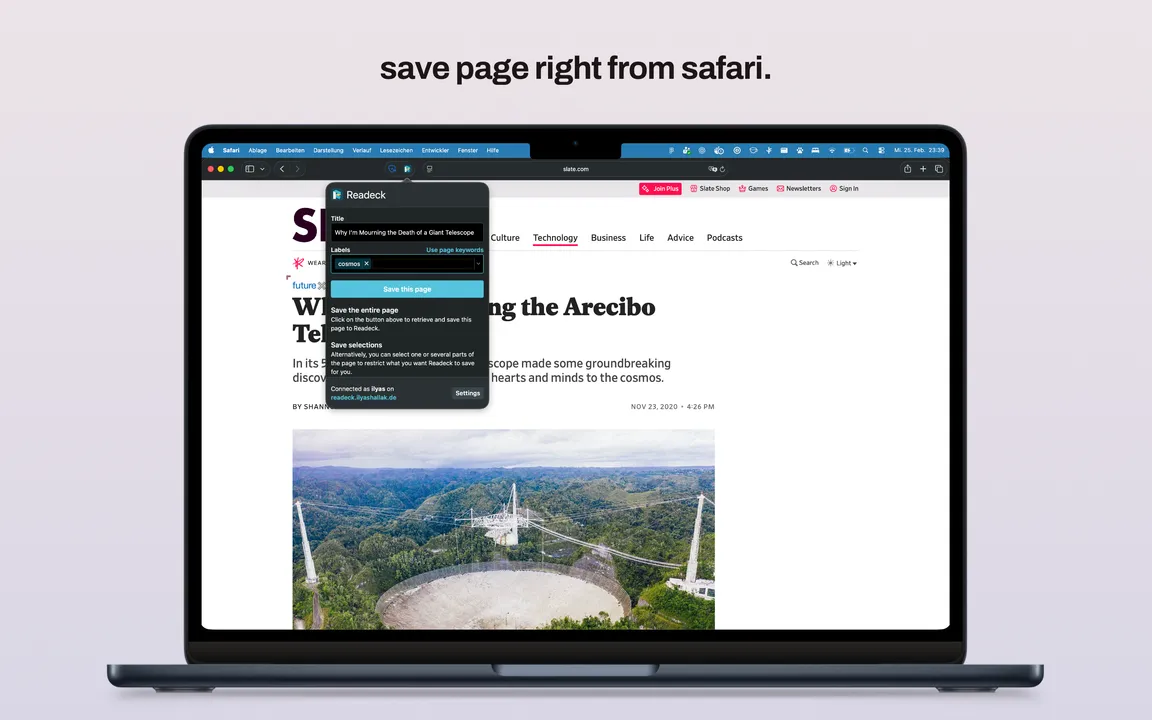
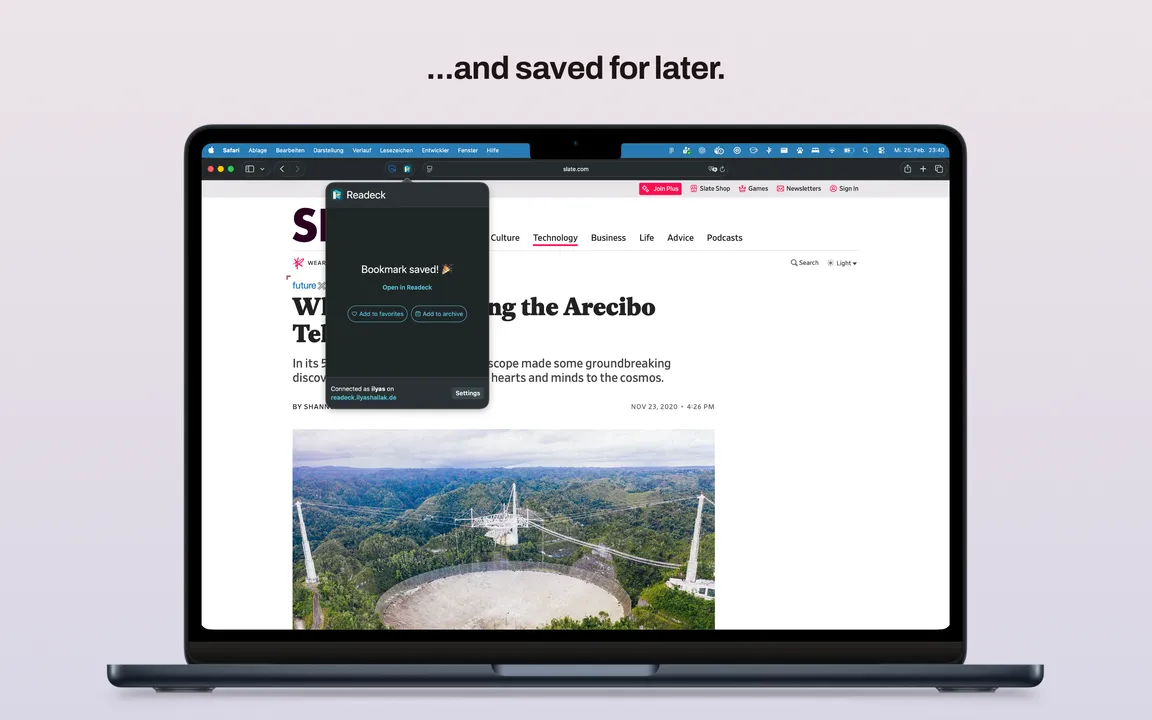
Hit the Readeck button in the toolbar, adjust the title and labels if you like, and the page is in your library.
Saves what you see
The extension sends the page exactly as Safari shows it, images included. That works even where Readeck cannot fetch the page itself, like behind a login or a paywall you have access to.
Only the part you need
Select a paragraph, or several, before you click, and only your selection ends up in Readeck.
Your server, your data
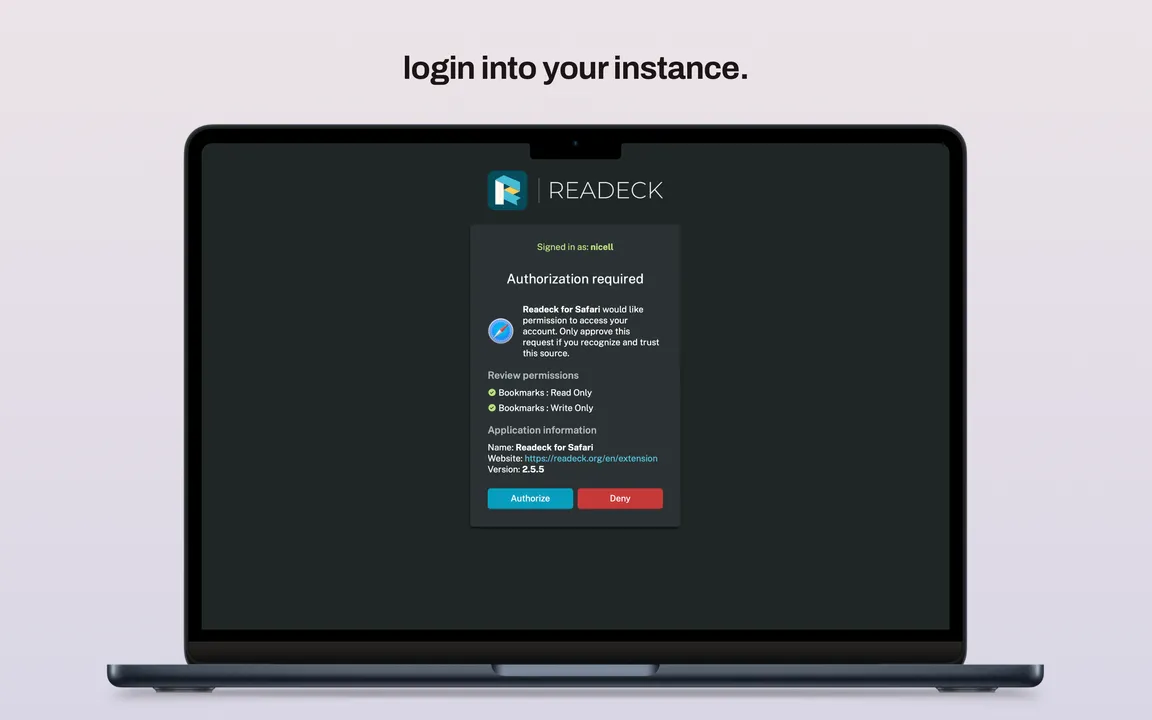
You sign in to your own Readeck instance and approve the access there. Pages go straight to your server and nowhere else.
How it works
Install
Get Readeck for Safari from the Mac App Store, it is free.
Turn it on
Open Safari, go to Settings, then Extensions, and enable Readeck.
Sign in
Click the Readeck button, enter the address of your server and approve the access. Done.
Behind the extension
From Firefox and Chrome to Safari
The extension is the official Readeck browser extension by Olivier Meunier, the creator of Readeck. I brought it to Safari: turned it into a Safari web extension, fixed what Safari does differently and got it into the App Store. It is published by the Readeck project.
Read on the go, too
Saved it on the Mac, read it on the phone. Readeck for iOS brings your library to iPhone and iPad, with offline reading.