
RomM for iOS
Your retro library, in your pocket.
Play the games from your own RomM server on iPhone and iPad, keep your saves in sync and take everything offline.
Free and open source. Requires your own RomM server.
← Scroll to see more →
Why you'll love it
Play right in the app
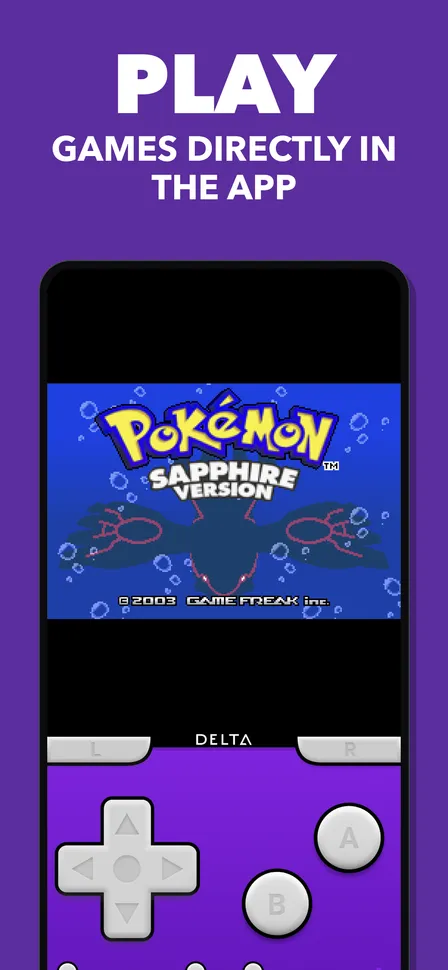
Tap a game and start playing. Built-in emulators run your library on iPhone and iPad, no second app needed.
Saves follow you
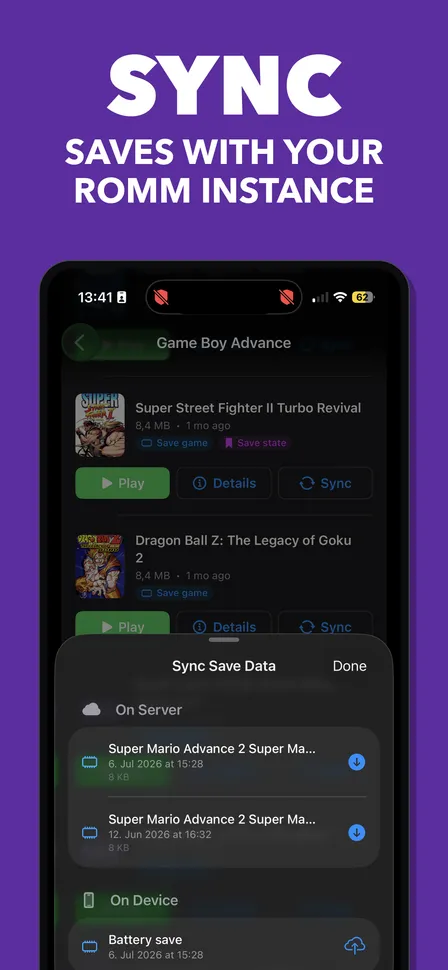
Save files and save states sync with your RomM server. Stop on the phone, pick up on the iPad, or in RomM on your desktop.
Take it offline
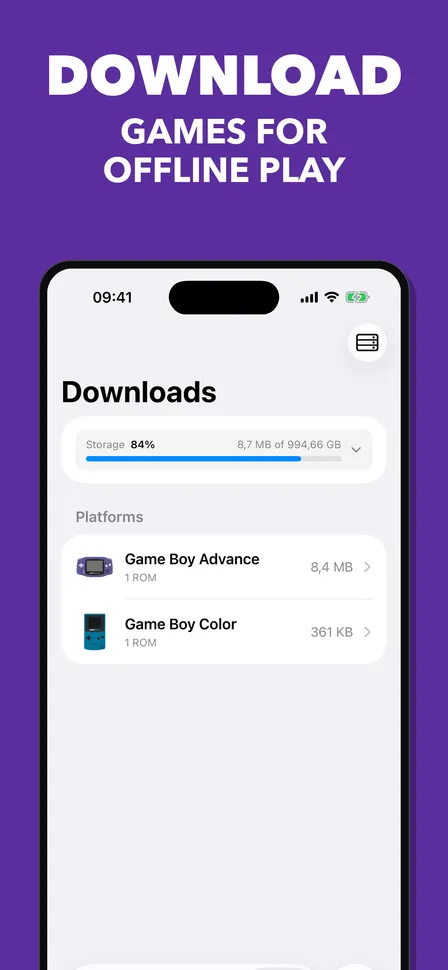
Download games once and play them on the train, on a plane or anywhere without a connection to your server.
Play on the big screen
Connect an Apple TV or an HDMI adapter and the game moves to the TV, while your phone becomes the controller.
16 systems and counting
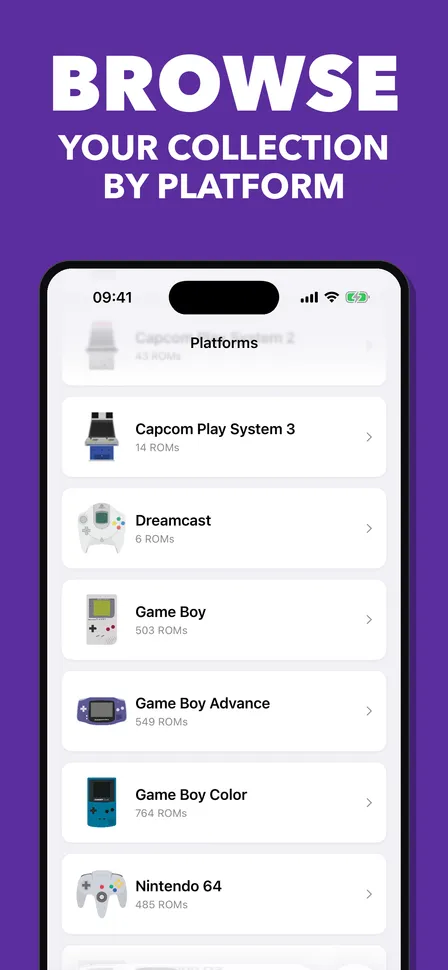
From the Game Boy to the Dreamcast, the app picks the right emulator for each game on its own.
And a lot more
Controllers
Use your Xbox, PlayStation or Switch controller, with an optional A/B swap for the Nintendo layout.
RetroAchievements
See the achievements of a game and which ones you have already unlocked.
Your whole library
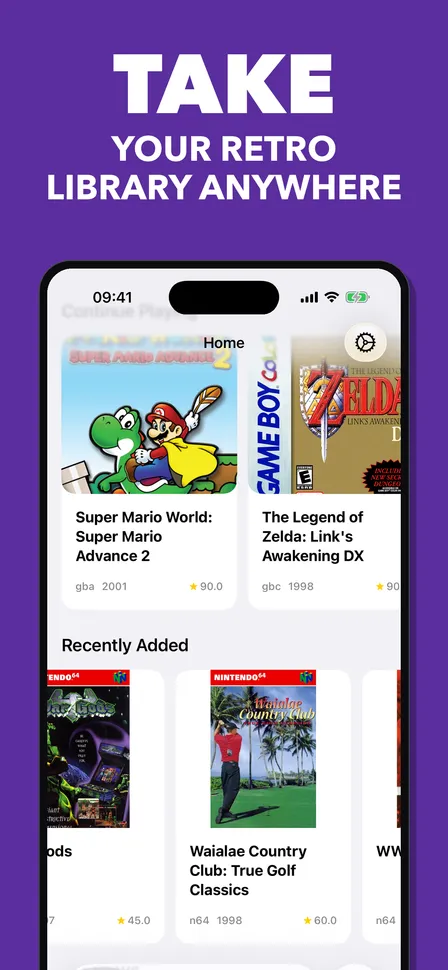
Covers, screenshots and details straight from your RomM server, searchable and sorted by platform.
Collections
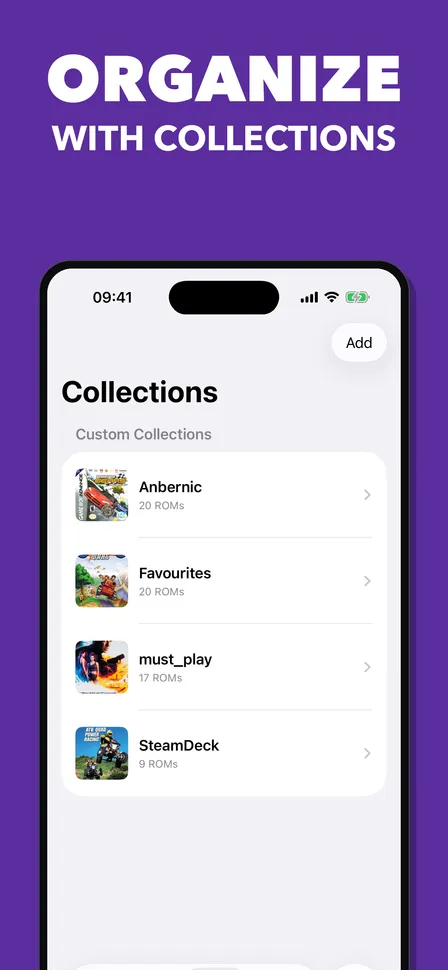
Group your favourites, a playthrough backlog or anything else in your own collections.
Rumble and fast-forward
Feel PlayStation games through the controller or the phone, and skip the slow parts at 2x.
Your emulator, if you like
Prefer RetroArch, Delta, Manic EMU or Provenance? Hand any game over with one tap.
Quick setup
Scan a QR code from RomM and you are connected, no typing of URLs and tokens.
Send to other devices
Transfer ROMs to a handheld or another machine over SFTP.
How it works
Run RomM
RomM is a free, self-hosted manager for your game collection. Version 5.0 or newer is all you need.
Connect the app
Install the app through TestFlight and sign in to your server, or scan the QR code.
Play
Browse your library, download what you want to play and pick up right where you left off.
Community & support
Get in touch
Questions, ideas or found a bug? The fastest way is the iOS channel on the RomM Discord.
Open source
The app is MIT licensed and built in the open. It is an independent client and part of the RomM ecosystem.
Ready to play?
Join the TestFlight beta and help shape the app while it is on its way to the App Store.